Merge PDF files into a single document quickly, securely, and for free. Just drag and drop your files, arrange them in the order you want, and click Merge PDF to combine PDFs online — no software to install and no account required
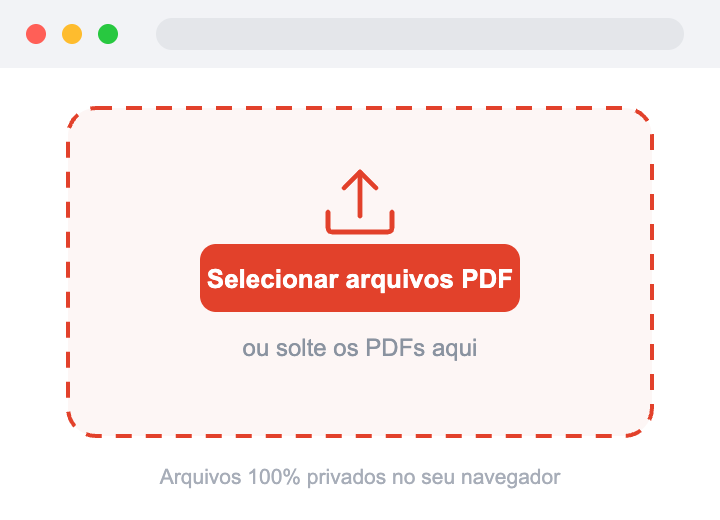
ou solte PDF, PNG ou JPG aqui
Arraste os arquivos para reordená-los. Eles serão mesclados de cima para baixo.
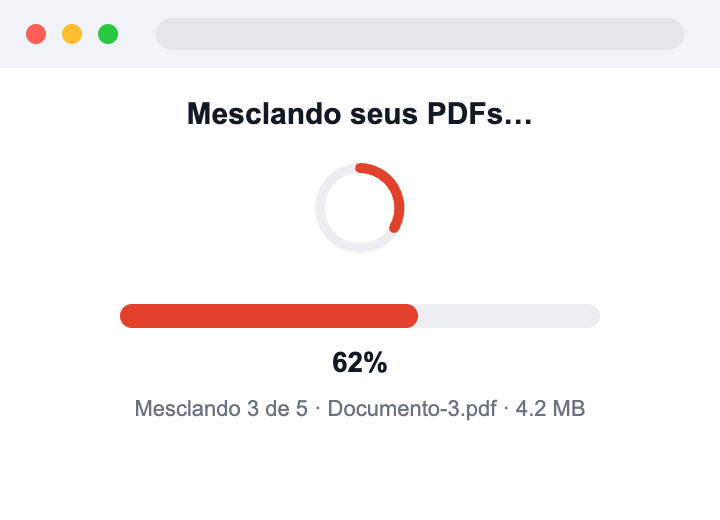
Mesclando seus PDFs…
🔒 100% privado e seguro. Seus arquivos são processados inteiramente no seu navegador e nunca são enviados aos nossos servidores nem compartilhados com ninguém.
Learning how to merge PDFs online is simple. Just upload your PDF files, arrange them in the order you want, and click Merge PDF. In just a few seconds, you’ll have a single PDF document ready to download, with the original quality preserved.
Select or drag and drop one or more PDF files into the upload area to start merging your PDF files.
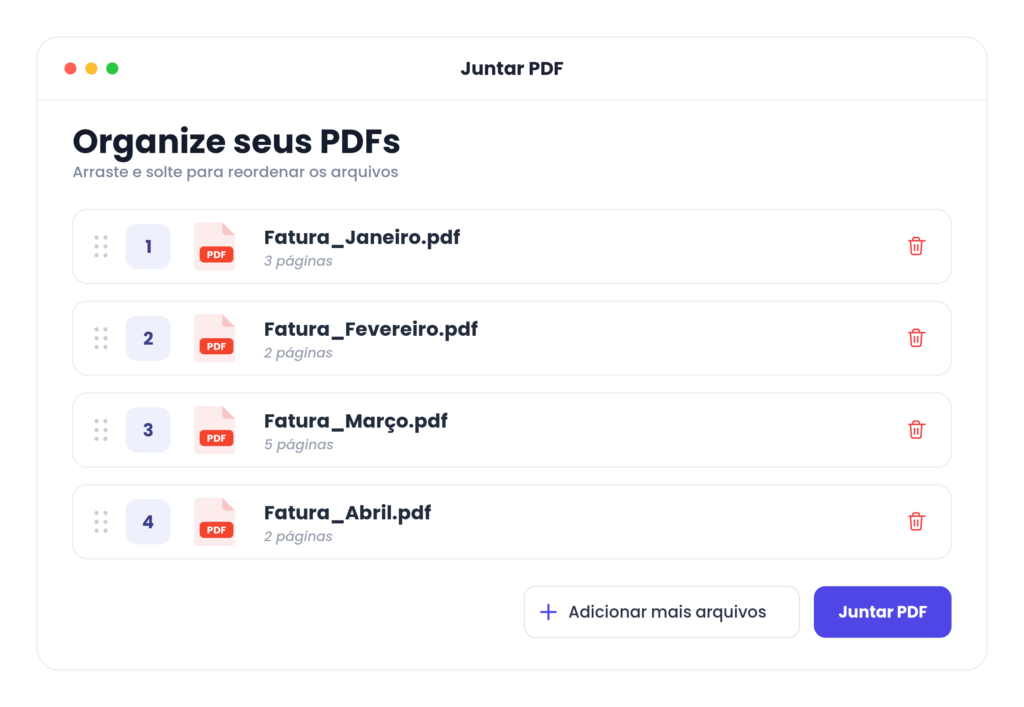
Drag and drop the files to reorder them exactly how you want before merging and combining everything into a single PDF
Click Merge PDF to combine your files into a single PDF document. Once processing is complete, download your PDF instantly with quality preserved.
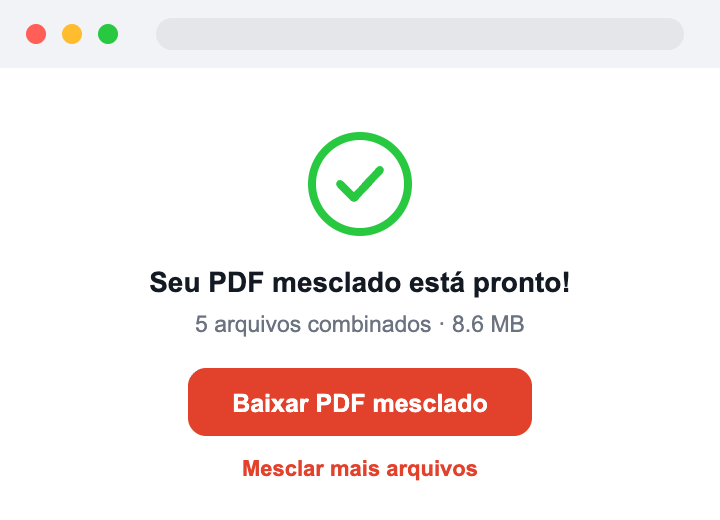
Combine multiple PDF files into a single document in seconds. Just upload your files, arrange them in the right order, and click Merge PDF to create one organized PDF document.
When merging PDF documents, you're in full control of the final result. Drag and drop the files to reorder them before merging, so every page ends up exactly where it should.
Your merged PDF keeps the original formatting, fonts, images, and layout intact, no unnecessary compression or quality loss during the merging process.
Your privacy matters. Every uploaded PDF is encrypted during processing and automatically removed from our servers once it's complete, keeping your documents protected every step of the way.
Merge PDF files right from your browser on Windows, macOS, Linux, Android, iPhone, or iPad, no downloads or installations required.
Start merging PDFs right away. No account creation or installation needed, just upload your files and download your combined PDF in seconds.
Our cloud-based PDF merger processes files quickly while using minimal resources from your device, making it easy to merge documents anytime, anywhere.
Merge invoices, contracts, business reports, résumés, school assignments, presentations, manuals, eBooks, and scanned PDFs into one professional document, ready to download and share.
We use secure SSL encryption and automatically delete your files after processing. No one can access your files.
Upload the files you want to combine, arrange them in the order you want, and click Merge PDF. In seconds, the download of your combined file will begin — all right from your browser, with nothing to install.
Upload all your PDFs at once, drag them to set the order, and click Merge PDF. All the documents will be combined into a single file.
No. The tool works 100% online, right in your browser. There's no need to download or install any software.
No. You can merge your PDFs right away, no sign-up, login, or email required.
Yes. The tool is fully responsive and works on phones, tablets, and computers, in any browser.
Just open the tool in Safari, Chrome, or another browser on your Mac, upload your files, and click Merge PDF. No app installation required.
The tool works online, so an internet connection is required. Your files are processed securely and deleted shortly afterward.
In addition to PDF files, you can also merge images in JPG, JPEG, PNG, and WEBP formats. For files like Word, Excel, or PowerPoint, convert them to PDF first before merging
Yes. Upload your JPG, JPEG, PNG, or WEBP images, arrange the order, and download everything combined into a single PDF.
Yes. You can combine PDFs and images in the same operation — just upload them together, arrange the order, and generate a single PDF.
To merge a password-protected PDF, first remove the password from the file (by opening it with the password and saving an unprotected copy), then upload it as usual.
You can upload multiple files and merge them without strict limits. Very large files may take a bit longer to process
Yes. After uploading your files, just drag and drop them to set the exact order before merging.
Yes. Your files are processed only to complete the task and are automatically deleted right afterward. They're never read, reviewed, or shared.
No. Uploaded files are not stored permanently on our servers — they're automatically deleted after processing.
Files are automatically deleted shortly after processing is complete. After that, they can't be recovered.
Yes. File transfers are protected by an encrypted (HTTPS) connection to keep your documents secure during upload.
No. Your files and information are never sold, rented, or shared with third parties.
Yes. You can merge your PDF files for free, as many times as you want, with no hidden costs
No. The final document keeps the original quality of each file, with no loss of resolution in the text or images
In most cases, just a few seconds. The time may vary depending on the size and number of files.
Yes. You can merge PDFs as many times as you like, with no usage restrictions.
Join thousands of users who trust our tool to merge their PDF files every day.